Bring the conversation into Meetlens
Record audio from a supported meeting tab or upload an existing file.
Capture a supported browser call or import a recording, review the transcript, then work with AI notes, reports, key moments, questions, and exports in one meeting workspace.
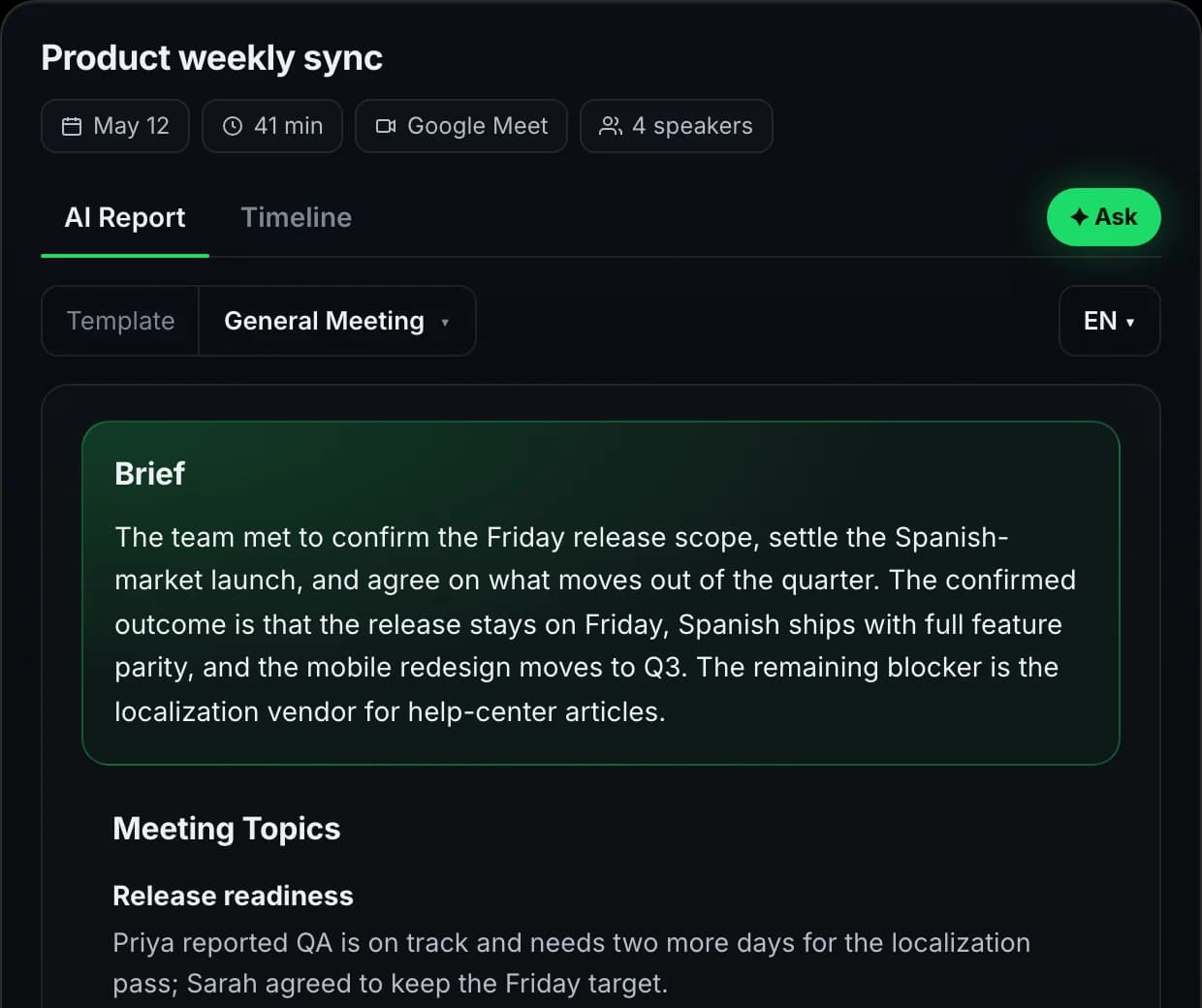
Each stage has a dedicated feature page with the details, limits, and product behavior.
Record audio from a supported meeting tab or upload an existing file.
Read the transcript, inspect key moments, and ask questions about processed content.
Choose a report format, review action items, and download the meeting content.
The Chrome extension records the active supported meeting tab. Check meeting platform compatibility before capture. Meetlens processes the recording after you stop; it does not join as another participant.
See how to installUse the focused pages below to compare workflows and understand what happens inside the product.
Meetlens is a post-meeting workspace. Generated content is a draft to review against the transcript and recording.
Live-call capture requires the extension and a supported browser meeting. Existing recordings use the import flow.
Transcription and AI outputs are created after the captured or uploaded media is processed.
Confirm names, figures, decisions, owners, and deadlines before sharing or acting.
Capture a supported browser call or import an existing recording, then review the result in Meetlens.
Get started freeCapture methods, supported platforms, languages, plans, and review.