Add the extension
Open the official Chrome Web Store listing, select Add to Chrome, and confirm the installation.
 Meetlens
Install Meetlens, capture audio from a supported meeting tab, and receive a transcript plus AI notes in your workspace. No meeting bot joins the call.
For desktop Chrome 116+ · Free plan available · No credit card
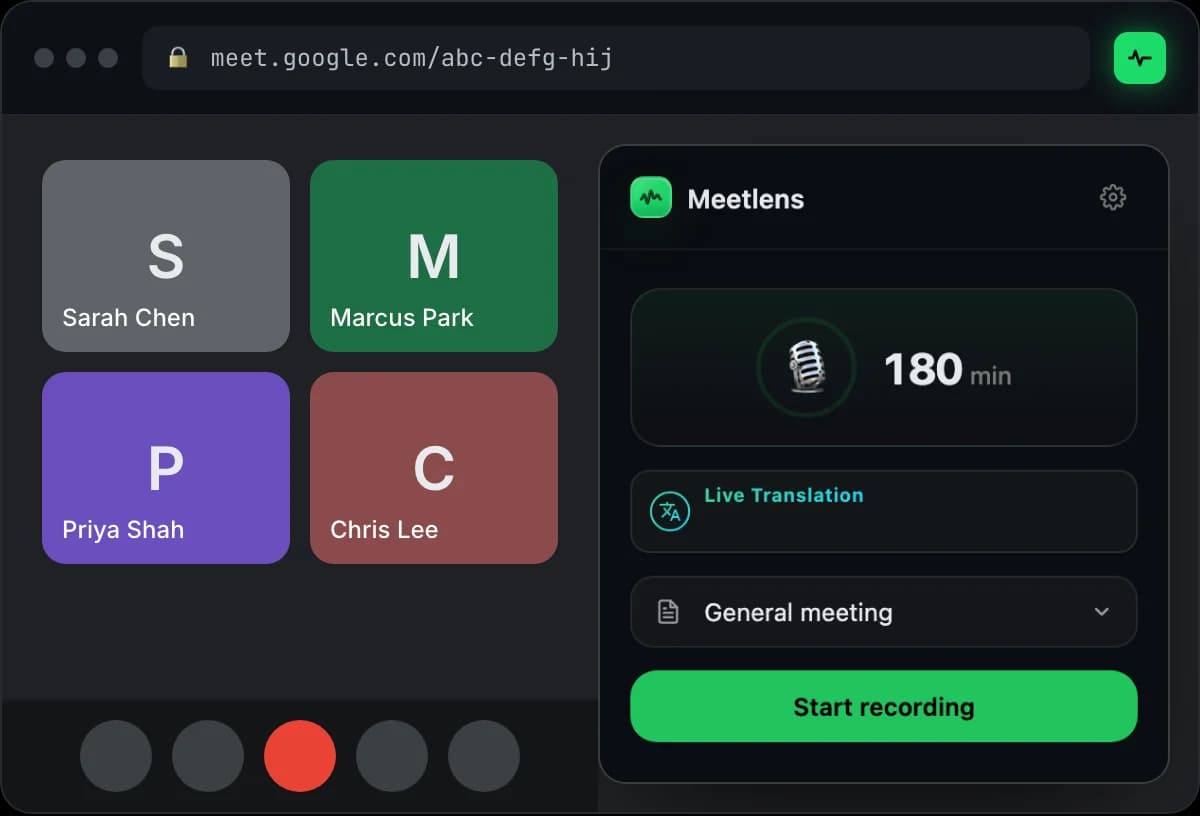
Install, connect your account, open a browser meeting, and start the meeting recorder yourself.
Open the official Chrome Web Store listing, select Add to Chrome, and confirm the installation.
Create or sign in to your Meetlens account, then complete the web setup opened by the extension.
Choose your setup: Google Meet, Zoom Web, Teams Web, or Webex. See all supported platforms. Native desktop apps are not captured.
Click the Meetlens toolbar icon, choose a report type, and press Start recording.
Stop capture when the call ends. Meetlens uploads the recording and prepares the workspace result.
The extension is designed for supported web meetings. Native Zoom and Teams desktop applications sit outside Chrome, so the extension cannot capture them.
Explore meeting transcriptionThe recorder handles capture and upload; transcription and AI processing happen in the Meetlens web service after the recording.
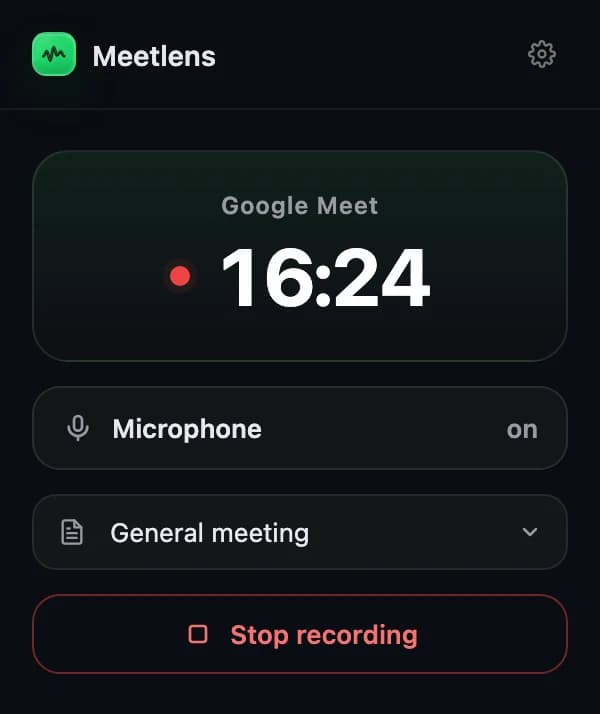
Meetlens uses Chrome tab capture for the meeting you opened. Your microphone is added only when you choose to grant microphone access.
Captured audio is uploaded to the Meetlens service over HTTPS.
Meetlens processes the recording after capture finishes.
Review the generated draft against the transcript before using it.
Start with 180 processing minutes per month on Free. No credit card required.
Add to ChromeInstallation, browser meetings, permissions, microphone capture, and the free plan.