Home/Features/AI Meeting Notes
AI Meeting Notes

AI note taker for Teams, Zoom & Meet — free

An AI note taker for Zoom, Microsoft Teams, and Google Meet that captures meeting minutes automatically. Decisions, action items, topics, speaker labels, all in your workspace. No template to fill in, no 'summarize' button. Included on the free plan — 10 reports per month within 180 free minutes. Notes typically land in your workspace within minutes of the call ending.

Decisions
Q2 roadmap planning
Action items
3 owners assigned
Topics
5 themes tagged
10
Reports per month, free
No bot
In the call
Auto
No template to pick
Post-call
Ready in minutes
the output

What a meeting note looks like

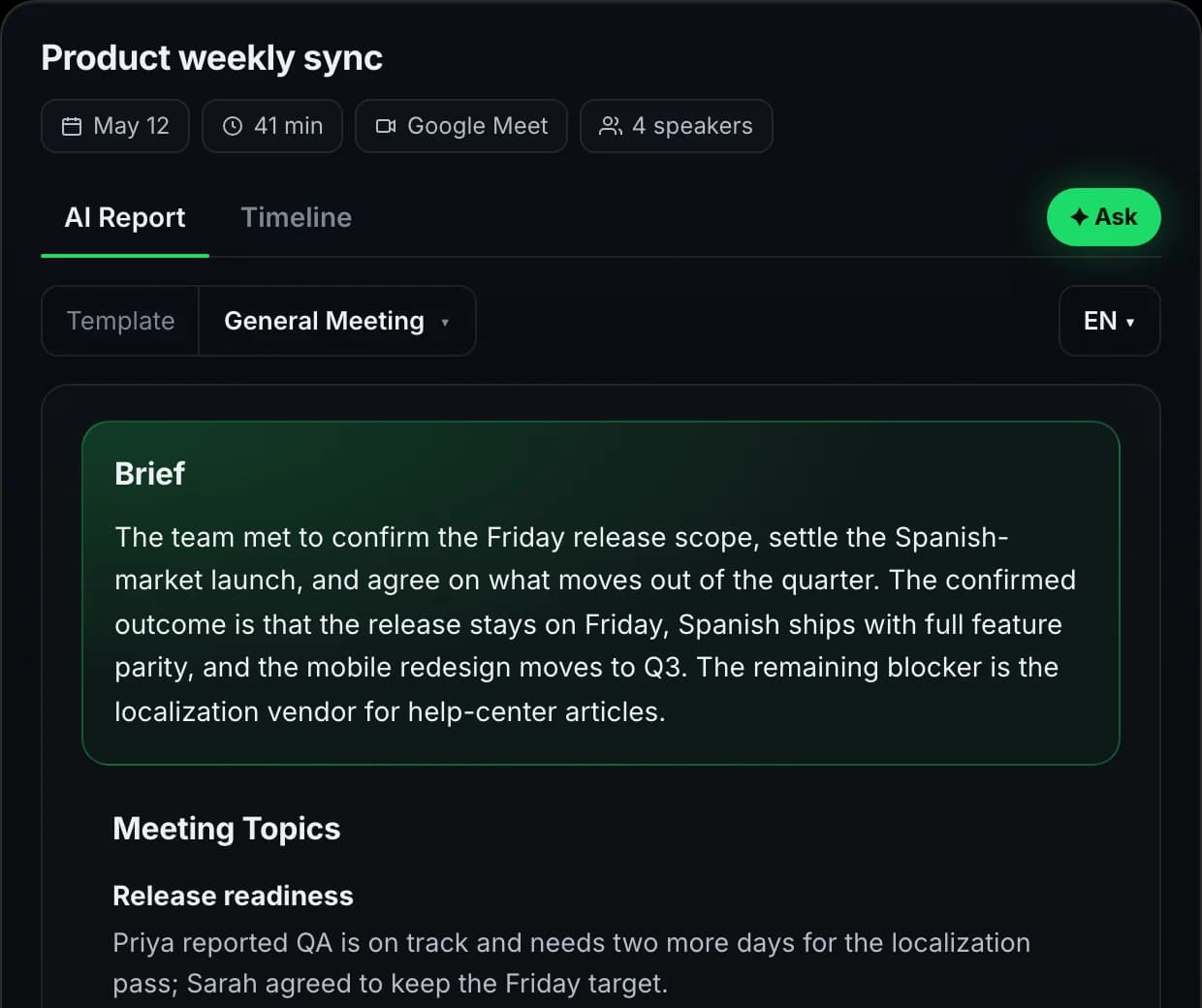
Three sections, no fluff, sourced back to the transcript line by line.

Q2 roadmap planning · Product team
May 14 · 47 min · 5 attendees
AI Generated

Decisions

  • Ship Spanish-market launch in Q2 — feature parity with English, not a stripped-down build.
  • Postpone mobile redesign to Q3 — risk of biting off too much alongside the launch.

Action items

  • María — keyword research for ES market, end of sprint
  • Alex — write the launch comms plan, Mon Apr 14
  • Eng team — capacity estimate for mobile Q3, this Friday

Topics discussed

Spanish launch scopeMobile redesign timingEng capacityQA riskLocalization vendor
Decisions · action items · topics · sourced quotes
how it works

From call to structured notes

Capture, summarize, deliver. No template picking, no manual cleanup.

1
CAPTURE

Records the meeting end-to-end

Meetlens captures the audio directly from your meeting tab — Zoom, Meet, Teams, Telemost, Webex. No bot in the call, no awkward "someone added a transcription assistant" message. Recording starts when you join, stops when you leave.

2
SUMMARIZE

Extracts decisions, action items, topics

AI reads the transcript and pulls explicit commitments and conclusions — not vague mentions. Decisions: what the group landed on. Action items: who owns what, by when. Topics: what got discussed, in what order. Every line sourced back to the transcript.

3
DELIVER

Notes are ready when you open the workspace

After the call ends, transcription and notes generation run automatically. The recording is queued the moment you leave; notes typically land in the workspace within minutes, ready to edit, share via public link, or paste into the wiki.

use cases

Where auto-notes change how the team operates

Different team shapes, same baseline output — every meeting documented without anyone owning the note-taking.

Cross-functional projects

Design, engineering, product, sales all on the same call. Each function reads the same notes and pulls what's relevant: PMs scan decisions, engineers grab the ticket-ready action items, sales picks up the customer-impact themes. One shared source of truth, no "who has the doc?".

Async-first remote teams

Half the team in Berlin, half in San Francisco. Meetlens notes substitute for synchronous status-sharing — the Berlin-morning standup becomes the SF-evening reading material. People who missed the call get the same context as people who joined.

Manager 1:1s & status syncs

Managers running 6–10 weekly 1:1s lose track of which conversation produced which commitment. Notes attach to each meeting, so the next 1:1 starts with "last week you said you'd…" — no scrolling through chat history or relying on memory.

Compliance-aware industries

Legal, healthcare, finance — meetings where what was discussed matters in writing. Meetlens notes preserve decisions verbatim with timestamps, so the audit trail is in the file by default. No relying on someone remembering to type up minutes.

platforms

Which meeting platforms support the AI note taker?

Same engine, same output — no platform-specific configuration. Same free-plan terms across every host.

AI note taker for Zoom

Captures every Zoom meeting and generates a structured zoom meeting summary — decisions, action items, attendees. The AI notetaker for Zoom runs on live calls; Zoom Cloud recordings can be re-uploaded for the same processing post-call.

AI note taker for Microsoft Teams

Teams meeting notes and teams meeting minutes generated automatically — channel meetings, 1:1 calls, ad-hoc. No tenant admin install, no AppSource gate; the AI notetaker runs from the meeting tab.

AI note taker for Google Meet

Google Meet notes with decisions and follow-up items extracted from the full transcript. The AI notetaker for Google Meet works on Workspace and personal Google accounts alike.

AI note taker for Webex / Telemost

Webex and Yandex Telemost both produce the same minutes structure — no host-specific quality drop. Drag uploaded recordings in for the same result.

meeting minutes

AI meeting minutes generator

Meeting minutes used to mean a designated note-taker missing half the conversation. Meetlens turns every call into properly structured minutes — agenda implied from topics discussed, decisions logged with timestamps, action items attributed to owners. No templates to download, no "who's taking the minutes today?" awkwardness.

Replaces the meeting-minutes template

No "best meeting notes template" to track down — Meetlens produces the same canonical structure every time: attendees, agenda topics, decisions, action items, source quotes. Consistency for the auditor, less work for the team.

Better than a meeting summary alone

A meeting summary tells you the gist; meeting minutes tell you what was decided and who owns the next step. Meetlens generates both in the same pass — summary at the top, minutes underneath.

Example minutes inline, no signup

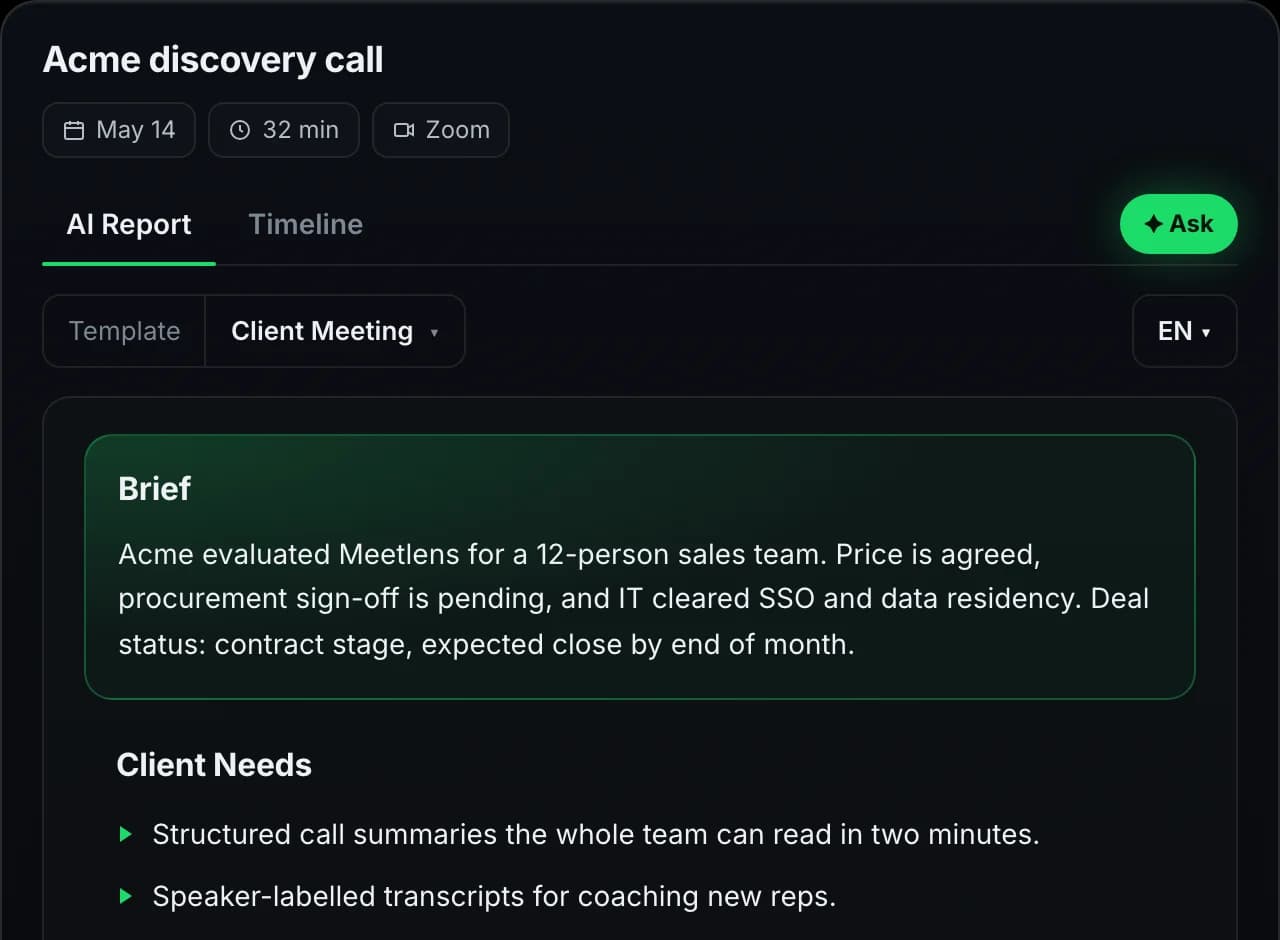
Scroll up: the demo card on this page is what your meeting minutes will look like. Real structure, real fields — what we ship to every workspace, free or paid.

what's inside

Every note, every time

These elements show up automatically — no field to enable, no checkbox to tick.

DecisionsAction itemsKey topicsNext stepsSource quotesTimestampsSpeaker labels
specs

AI meeting notes by the numbers

The defaults every Meetlens account gets — free or paid.

10
Reports / month free
Within 180 free minutes
99+
Transcript languages
Auto-detected on every recording
No bot
In the call
Audio captured from the meeting tab
Post-call
Ready in minutes
No real-time overlay, no live nag

Try every feature on the free plan

180 minutes per month, all 10 AI report templates, no credit card.

Get started free
faq

Questions, answered

Everything teams ask before switching to Meetlens.

Do I need to do anything to get the notes?
No. Start the meeting with Meetlens recording in the tab and the AI meeting notes are generated automatically after the call ends. Decisions, action items, key topics, and speaker turns are extracted from the transcript. Open the workspace and the notes are already there. No 'summarize' button, no template to fill in by hand.
Does the AI note taker work for Zoom, Teams, and Google Meet?
Yes. Same engine, same output across Zoom, Microsoft Teams, Google Meet, Webex, and Yandex Telemost. Meetlens captures audio from the meeting tab in your browser, so there's no platform-specific install, no admin approval, and no bot joining the call.
Can I upload past recordings and get notes?
Yes, for audio files. Drop an mp3, m4a, wav, ogg, or webm file into Meetlens and the full flow runs: transcription, speaker separation, AI meeting notes, action items. Same output as a live recording. Useful for legacy Zoom Cloud archives (extract the audio first), podcast episodes, third-party recordings, lecture series. Video file upload (mp4, mov) is on the roadmap.
What's the difference between meeting notes and an AI report?
Meeting notes are the default summary every call produces: decisions, action items, topics, speaker labels. AI Reports are 10 specialized templates (Sales Call, Research, Weekly Standup, etc.) that re-structure the same transcript for a specific meeting type. Notes work out of the box; switch to a report template when you need the sales-team or research-team shape.
How accurate are the notes?
Accurate enough that most teams ship them to stakeholders without editing. Decisions and action items are pulled from explicit commitments in the transcript ('we decided X', 'Alex will do Y by Friday'), not inferred from vague mentions. When ownership or timing is ambiguous, the field stays blank so you can fill it in rather than getting a confident-but-wrong answer.
Can I edit the notes after generation?
Yes. Every section is editable in the meeting workspace. Rewrite a decision, add a missing action item, reassign owner, change the deadline. The source-quote link to the transcript stays attached, so reviewers can always check the original context of what was said.
Do notes work for non-English meetings?
Yes for the transcript: 99+ languages are auto-detected. AI notes themselves are generated in one of four output languages today (English, Russian, Spanish, German), picked during onboarding. So a Spanish meeting gets a Spanish transcript and you can have the AI notes in Spanish or in English (or RU / DE) depending on your team's working language.
How long does it take for notes to show up?
Notes generation runs after the call ends, alongside transcription. The recording is queued the moment you leave, and notes typically land in your workspace within minutes. Long calls take longer than short ones; you don't have to wait at the screen.
Are AI meeting notes on the free plan?
Yes. Every meeting on Free, Lite, and Pro generates full notes with the same extraction quality. Free is capped at 10 reports per month, 180 minutes total, and 30 minutes per recording. Lite and Pro raise those limits and unlock Markdown, TXT, and PDF export plus recording downloads.
Can I share the meeting notes with people who weren't in the call?
Yes. Each meeting workspace has a shareable link. Recipients see the AI notes, transcript, and action items without needing a Meetlens account. You can also export the notes as Markdown, TXT, or PDF (Lite / Pro) and paste them into Slack, email, Confluence, or Notion. Sharing controls live per-meeting; nothing is public by default.