Join the meeting in Chrome
Open a supported Google Meet, Zoom, Teams, or Webex call in a browser tab.
Install the Chrome extensionRecord audio from Google Meet, Zoom Web, Microsoft Teams Web, or Webex in Chrome. Meetlens captures the meeting tab when you start it, then creates a transcript and AI notes after the call.
Audio recording · Chrome 116+ · 180 processing minutes on Free
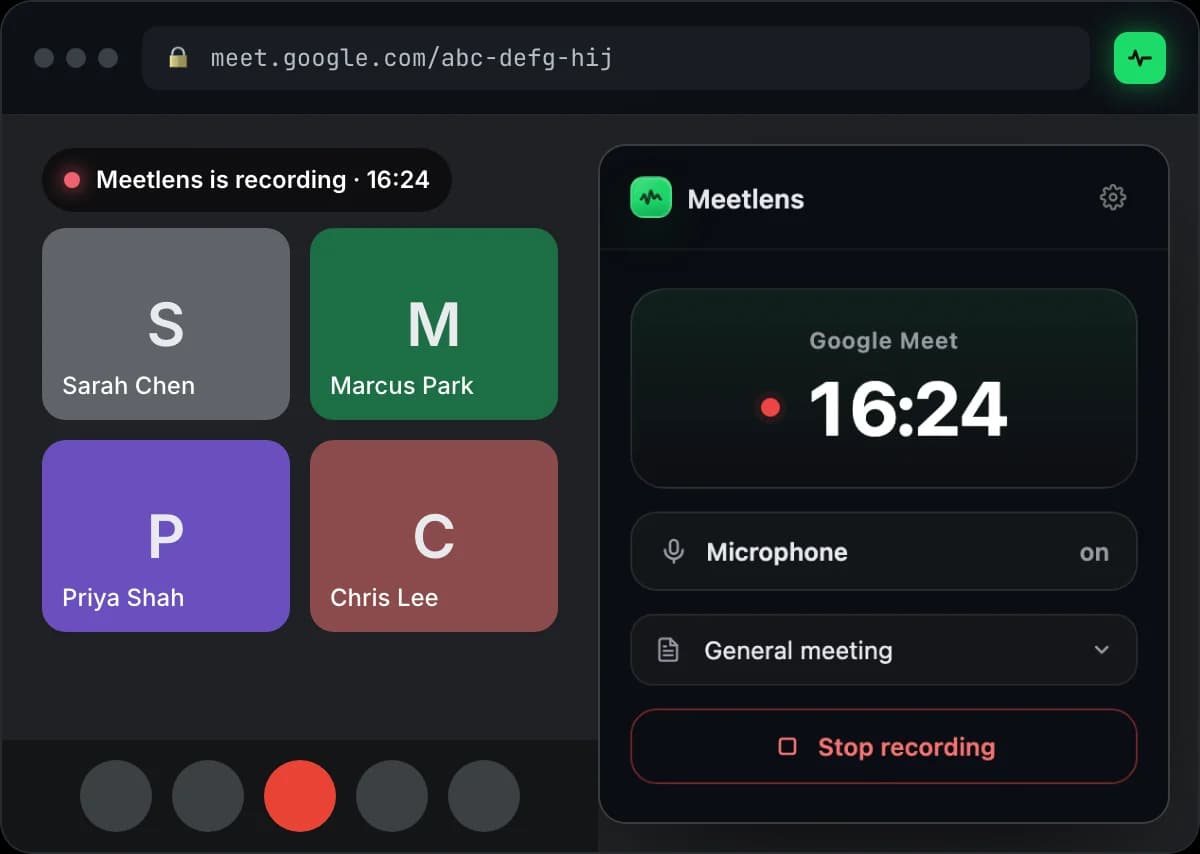
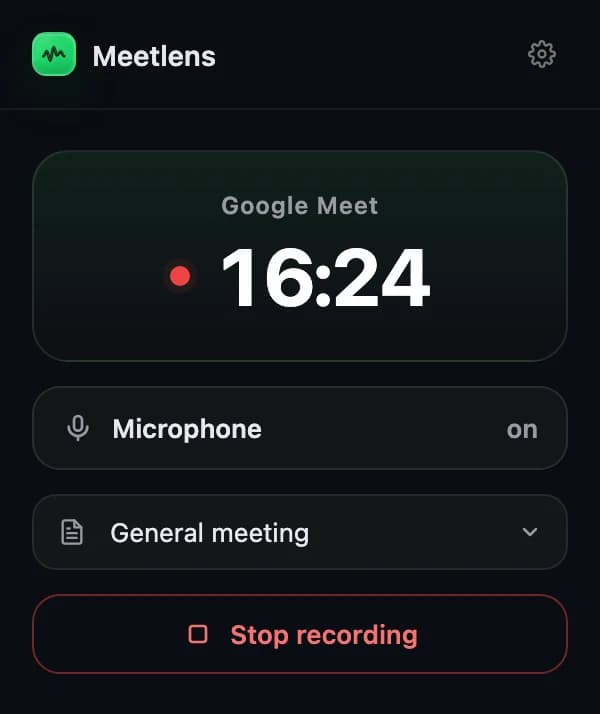
AI meeting recording software captures a conversation and turns the recording into searchable text and structured follow-up. Meetlens records audio from a supported Chrome meeting tab without adding a bot participant. After you stop, the web service prepares a transcript with speaker labels and timestamps, plus AI-generated notes, decisions, action items, and a selected report format.
You control when capture starts and stops. Processing begins only after the recording is finished.
Open a supported Google Meet, Zoom, Teams, or Webex call in a browser tab.
Install the Chrome extensionChoose the report format, press Start recording, and optionally include your microphone.
You remain in controlMeetlens uploads the audio and prepares the transcript, AI notes, and report in your workspace.
See meeting transcriptionMeetlens captures the active Chrome tab, so Zoom and Microsoft Teams must be opened in their web versions. Native desktop applications are outside the extension and are not recorded.
The extension is an audio recorder for the active meeting tab—not a screen or video recorder.
The finished audio becomes the source you can replay and verify while working with the generated result.
Review the conversation with speaker turns and playback context.
02AI meeting notesCheck the summary, decisions, and action items generated from the transcript.
03Structured reportUse the report format selected before or during recording.
04Clickable timelineReturn to decisions, actions, blockers, and other key moments.
Meeting recording is most useful when a team needs to verify what was said and turn the discussion into accountable next steps.
Review objections, commitments, and agreed follow-up.
Return to wording, themes, and important quotes.
Capture decisions, blockers, and ownership.
Prepare a structured draft without dividing attention.
Install the Chrome extension and start with 180 processing minutes per month on Free.
Add to ChromeAudio capture, browser support, privacy, consent, processing, and plan limits.