Meeting Recap: What It Is, How to Write One, and 4 Examples
 Meetlens Editorial8 min readUpdated October 10, 2026
On this page
A meeting recap is a short follow-up that tells everyone who was in the meeting — and everyone who missed it — what was decided, who owns each next step and by when. It turns the notes you take in meetings into something others can act on, so note-taking pays off for the team. Below: the definition, Recap in Teams and Outlook, what to include, writing it, examples, and AI.
What is a meeting recap?
A meeting recap is a short written summary sent after a meeting that lists what was decided, who will do what, and by when. The meeting recap meaning is in the word: "recap" is a brief restatement of the key points. Other names for it: meeting summary, recap notes, follow-up.
It differs from two related records:
- Meeting notes are your working record from the call. The recap is the part other people need.
- Meeting minutes are the formal record of motions, votes and decisions that a board or committee approves at its next meeting. Nobody approves a meeting recap.
What do you call a meeting to recap an event?
A meeting held to look back at an event is called a debrief, a post-mortem or a retrospective, depending on what it reviews. Some teams just say "recap meeting."
- Debrief (debriefing): a short review right after an event, launch or client visit.
- Post-mortem: a lessons learned review after a project ends or something breaks.
- Retrospective: a sprint or project retrospective — a team meeting that looks back at finished work.
Each of them can end with its own meeting recap.
What is a meeting recap in Microsoft Teams and Outlook?
In Microsoft Teams, the Recap tab collects a meeting's recording, meeting transcript, shared files, notes, agenda and follow-up tasks after a meeting that was recorded or transcribed. A meeting transcript is a written record of what was said; Teams makes one when transcription is turned on.
As of October 10, 2026, Microsoft's help pages on Recap in Microsoft Teams and Meeting Recap in Outlook set these conditions:
| Feature | What it shows | Conditions |
|---|---|---|
| Recap tab in Teams | Recording, transcript, files, notes, agenda, tasks | Meeting recorded or transcribed; not for ad-hoc meetings |
| Intelligent recap | AI summary (AI notes and follow-up tasks), timeline markers, speaker markers, chapters | Teams Premium add-on or a Microsoft 365 Copilot license (Microsoft's Teams page calls it the Microsoft Copilot license); the AI summary also needs a transcript in a supported language and a meeting that lasts five minutes or longer |
| Recap email (part of intelligent recap) | Outlook email draft with the AI summary and follow-up tasks, addressed to invited participants, including people outside your organization | Same license as intelligent recap; started by the organizer, a co-organizer or a presenter; not available under the strictest sensitivity labels or when access to the recording and transcript is restricted |
| Meeting Recap in Outlook | Links to files, transcript and recording | New Outlook for Windows or Outlook on the web; private, scheduled Teams meetings only |
Intelligent recap opens only for invited people inside your organization. Recordings live in OneDrive and SharePoint; Outlook only links to them, so file permissions don't change.
When the meeting ran on Zoom or Google Meet, nobody has the license, or the call was ad hoc, you write the meeting recap yourself or have a tool draft it. If Teams drafts the email for a client, check it against the privacy rule in the writing steps below before you send it.
What should a meeting recap include?
A good meeting recap includes the meeting's purpose, decisions, action items with owners and deadlines, open questions, and links to the recording or notes. Add the next meeting date, and the recap has six elements, in this order:
- Purpose: the goal of the meeting, in one line.
- Decisions: what was agreed, one line each.
- Action items: the assigned tasks, each with one owner and a due date.
- Open questions: what's unresolved and who will answer it, or "owner not set."
- Links: the recording, full notes and supporting documents.
- Next meeting: the date, if one is set.
Make it obvious who owns each next step: one person per action item, never "the team." Shared tasks are where accountability disappears.
Keep the meeting recap format to one screen: a bullet-point list, one item per line, calendar dates ("Oct 15," not "next week"), no empty elements. Good meeting recap notes can be read at a glance. For a blank form, a meeting recap template gives you the same fields.
How do you write a meeting recap?
Write the meeting recap within an hour while the meeting is fresh: start from your notes, lead with decisions, list action items with owners and dates, add links, and send it within 24 hours. Here is how to recap a meeting for any audience:
- Start from your notes, not from memory. Check doubtful lines against the recording.
- Lead with decisions. After the purpose line, put what was agreed first, with the key number beside it.
- Write each action item as verb, owner, date. "Confirm pilot locations," not "pilot locations." If the owner wasn't there, ask them to confirm first. If no date was agreed, write "date not set" and ask the owner instead of inventing one.
- Link, don't attach, so everyone opens the same recording, notes and slides.
- Pick the channel by audience: email for clients and outside partners (see these recap email templates), a post in the team's Slack or Teams channel for internal meetings, a dated entry in the shared project doc for project meetings, including a doc you share with a client. A virtual meeting recap can also go in the meeting chat, next to the recording. For outside readers, privacy comes first: leave out pricing debates, other clients and who disagreed. The layout of a recap email is a topic of its own.
- Send it within 24 hours and ask for corrections. That's common practice, not a research finding: the recap should arrive before people act on their own memory of the call.
Phrases to start and end a meeting recap
Open a meeting recap with one line that says what follows, and close it with a request for corrections and a short thank-you.
- "To recap our conversation, here's what we agreed and who's doing what."
- "Just a quick recap of what we discussed today."
- "Here's where we landed on the renewal."
- "Please reply by Friday, Oct 16, if anything is missing or wrong."
- "If I've got an owner or a date wrong, tell me and I'll fix the tracker."
- One line of gratitude: "Thanks, everyone, for the quick decisions today."
Meeting recap examples
Here are four meeting recap examples, one per audience: a team channel, a client, stakeholders and a colleague who missed the call. Each meeting recap sample keeps the order of the elements above, trimmed for its reader.
Illustrative examples: names, dates and figures are invented.
1. Team sync: post in the team channel. The same weekly sync as the notes example in the guide linked above.
Recap: customer success weekly sync, Tue Oct 13
Goal: decide on the logistics client renewal, the Q4 webinar date and the help center migration

Decided
- Drop the setup fee (≈ $2,400) for the renewal.
- Move the webinar to Nov 12.

Action items
- Alex — send revised quote — Oct 15
- Marco — draft the invite list — Oct 20

Open
- Is finance sign-off needed for dropping the fee? Owner not set; answer needed before the quote goes out.
- Who owns the help center redirects? Not assigned; back on next week's agenda.

Notes and recording: <link>
Next sync: Tue Oct 20
2. Client call: entry in the project doc you share with the client. Written to the client, so internal discussion stays out.
Pilot kickoff call, Wed Oct 14
Goal: agree on pilot scope and dates

Agreed
- The pilot runs at two locations from Nov 3.
- Your IT team sets up single sign-on; we send the setup guide.

Next steps
- Alex — send the single sign-on setup guide — Oct 16
- Marta — confirm the two pilot locations — Oct 21
- Nora — schedule staff training — Oct 23

Open
- Do Saturday shifts count toward the pilot? Marta checks with operations by Oct 21.

Recording and slides: <link>
Next call: Wed Oct 28
3. Project status: block in the status doc for stakeholders. The status line replaces the purpose line.
Customer portal redesign: status recap, Thu Oct 22
Status: at risk; beta moves one week

Decided
- Beta moves from Nov 2 to Nov 9 to fit 2 navigation fixes from usability tests with 6 customers.

Action items
- Ben — finish both navigation fixes — Nov 4
- Marco — update the launch plan and customer email dates — Oct 26

Needs your decision
- Approve one extra contractor week by Oct 27 (reply to Nora).

Test results: <link>
Next review: Thu Oct 29
Every recap is cut from the meeting notes. For one person who missed the call, keep only what touches them.
4. Direct message to a colleague who missed the meeting.
Hi Ines, from today's onboarding planning call (Wed Oct 21), here's what touches you:
- Onboarding calls shrink from an hour to 45 min on Nov 2.
- We'd like you to own the new call script, due Oct 28. Can you confirm by Thu Oct 22?
- Nora rewrites the welcome email by Oct 26, so the script can match it.
Recording and notes: <link>
Can AI write a meeting recap for you?
Yes — AI tools can draft a meeting recap from the recording or transcript, but someone who was in the meeting should check owners, dates and numbers before it goes out. These tools use generative AI to turn the transcript into an AI summary (the same workflow as AI meeting note-taking), and Microsoft's Teams help page warns that such content "might be inaccurate, incomplete, or inappropriate," so review every draft before you share it.
Built-in options, checked the same day:
- Microsoft Teams: intelligent recap, under the license conditions above.
- Zoom: the built-in meeting summary (formerly part of AI Companion, a brand Zoom retired in June 2026), included with eligible paid Zoom Workplace plans.
- Gemini in Google Meet: "Take notes for me", a Google Gemini feature, writes notes with next steps to Google Docs; it needs an eligible Google Workspace edition or Google AI plan.
Meetlens is a Chrome extension for automatic meeting recaps that records the audio of a browser meeting in Google Meet, Zoom Web, Microsoft Teams Web or Webex, without a bot joining the call, so it works without Teams Premium, a Copilot license or a paid Zoom plan. General Meeting, the default report format, has Brief, Meeting Topics, Decisions and Tasks with an owner and a due date, plus Open Questions when any came up.
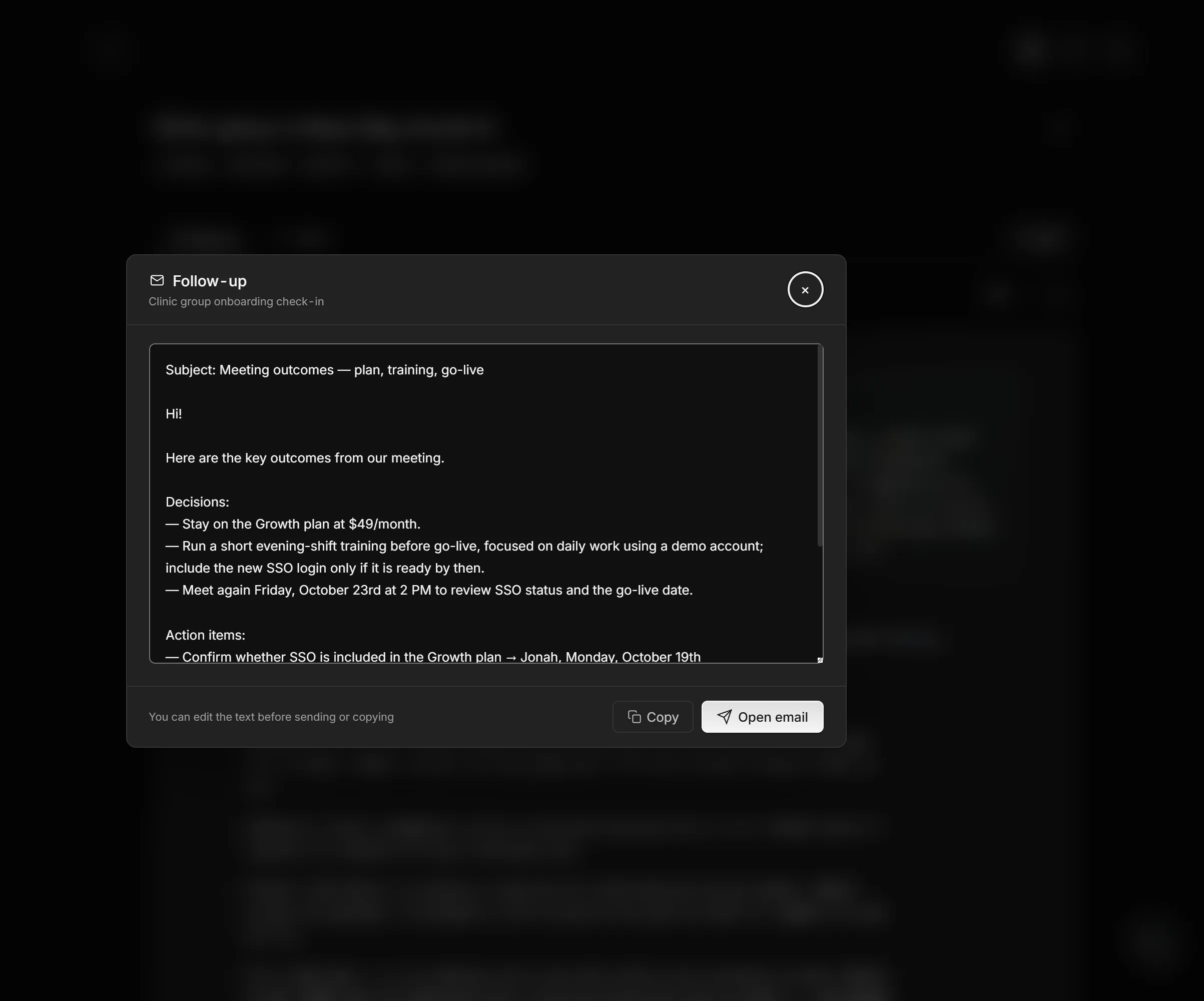
On Pro (15 drafts a month) and Business (50 a month), Meetlens also writes a follow-up email draft with the decisions and tasks. You edit and send it yourself: Meetlens doesn't send email. It records audio only, from desktop Chrome, not from the Zoom or Teams desktop apps. With no bot, the platform shows no recording notice, so announce the recording and get each person's yes.